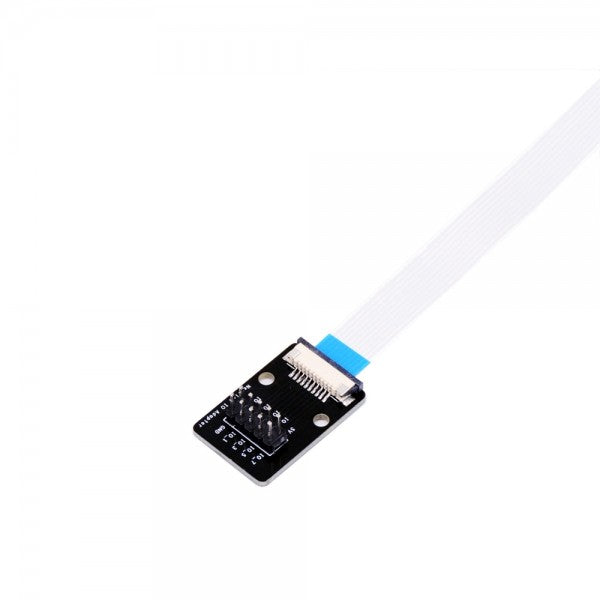
Why are USB UART converters so important?
UART technology is based on a functionality that is not compatible with USB. Therefore, you need a USB to UART bridge to enable data transfer from one component to another.
The term USB is now familiar even to laypeople, but what does UART actually mean? The full technical name is Universal Asynchronous Receiver Transmitter. This refers to electronic circuits that are essential for classic serial interfaces like RS-232 and RS-485. UARTs generate the data bits and data frames to be transmitted and form the core of these serial interfaces. Such an interface also includes other components such as level shifters and a connector.
A USB UART interface converter ensures smooth data transmission between a UART interface and USB.
The importance of UART today
In some application areas, UART is considered outdated, and other technologies perform better by comparison. Manufacturers of PCs, notebooks, printers, and more now use USB ports and typically omit connections like COM ports. You only need a USB to UART adapter if you want to connect a modern peripheral device to an older PC, for example.
The situation is different for a microcontroller or other technical applications. UART is compelling due to its cost efficiency and is suitable when the project requirements meet the following criteria:
- low speed
- low data throughput
In addition to low costs, UART is favored because developers and manufacturers can integrate these components with minimal effort. Do you need a bridge to USB on a board or in another setup? Find a suitable UART to USB converter in our shop!
A wide range of USB to UART converters
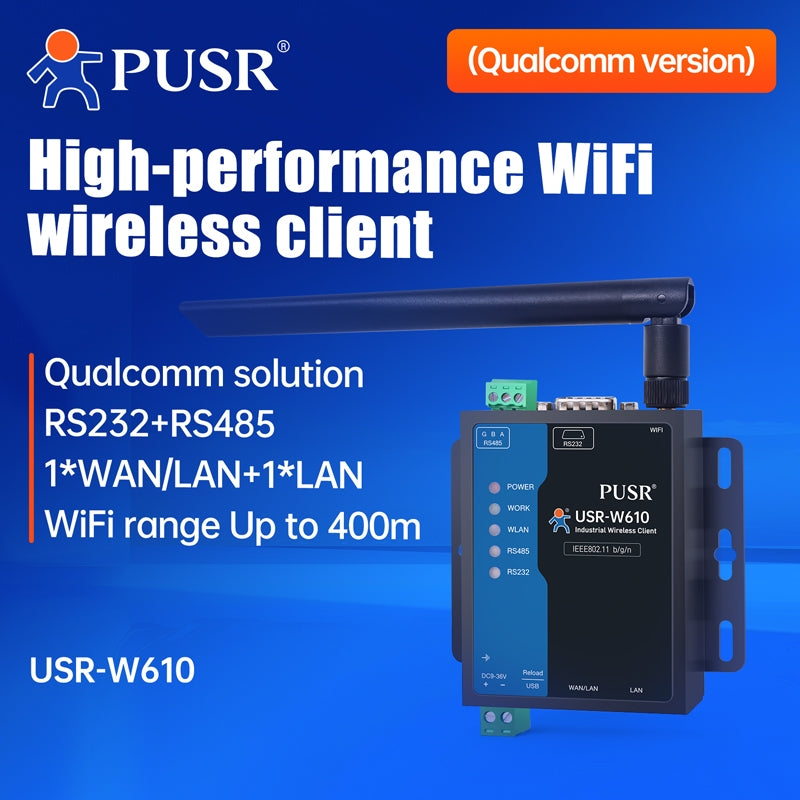
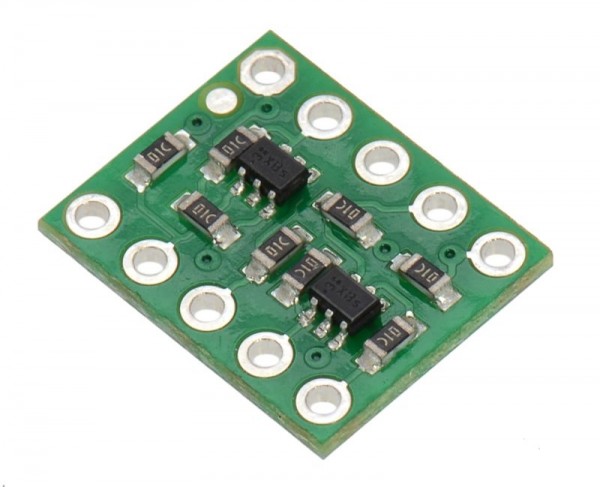
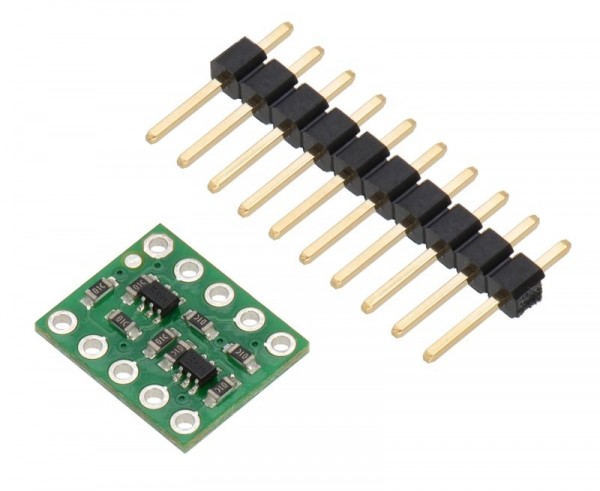
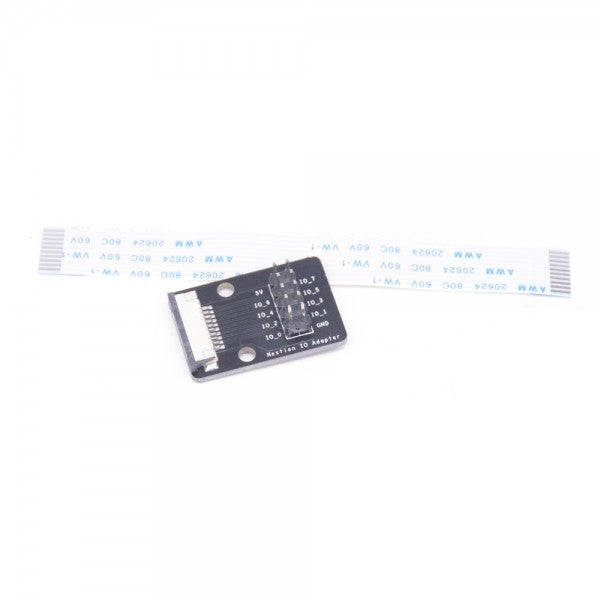
In our shop, you'll find a large selection of USB to UART converters. Pay attention to the product names! Here are three examples:
- Items labeled FTDI: This converter includes a chip adapter from the company of the same name. It’s a high-performance USB-UART interface chip found in many converters.
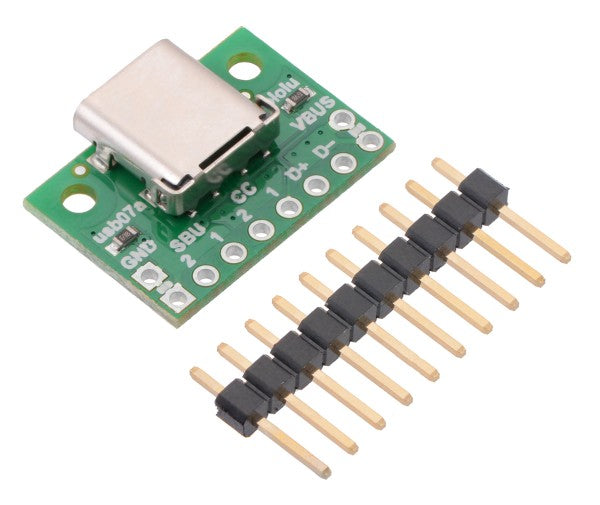
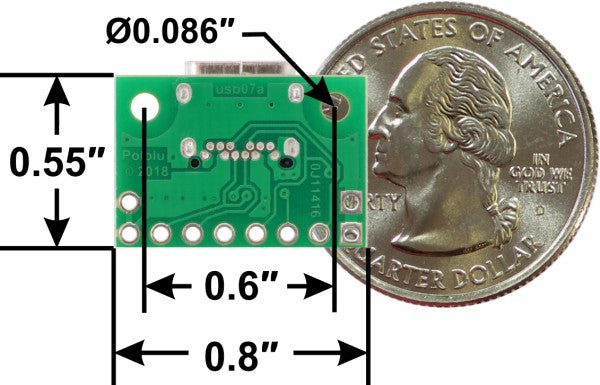
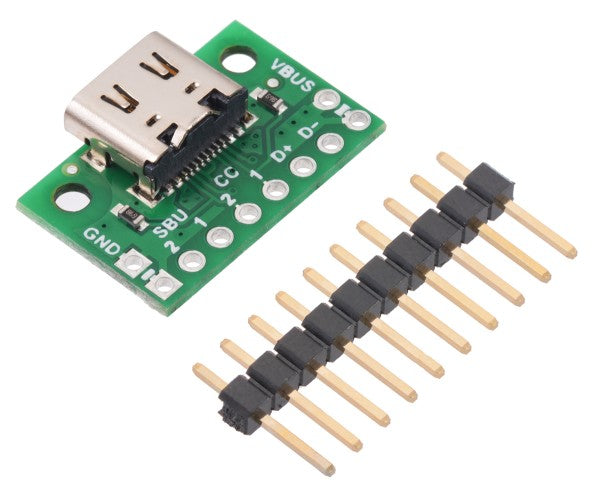
- Products labeled USB-C: These include a USB-C connector.
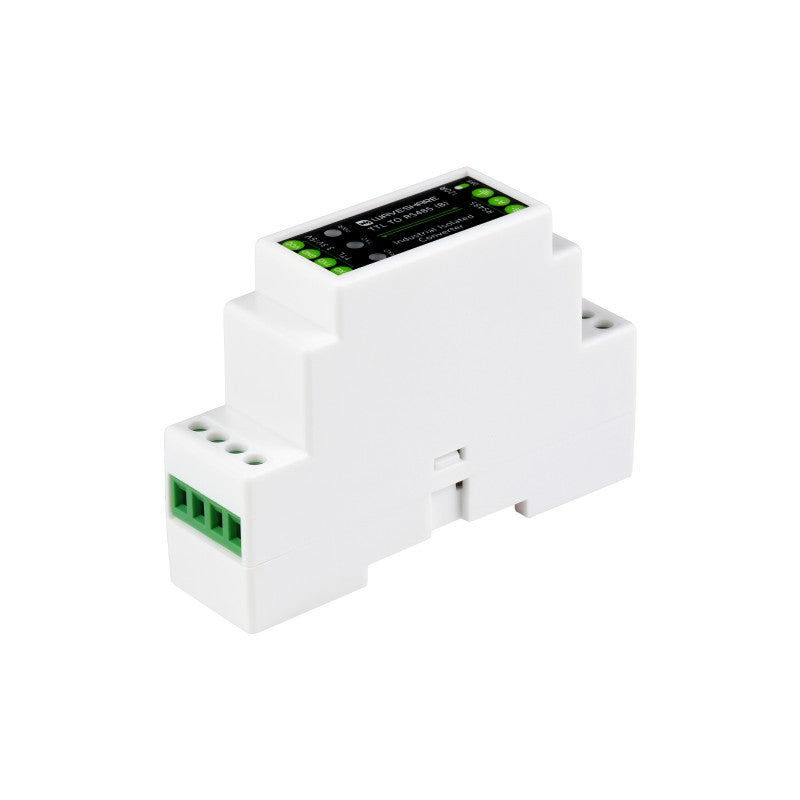
- Converters with the term TTL: These refer to TTL-RS232 interfaces, which differ from RS232 interfaces in terms of signal levels. Such adapters are called USB TTL.
You’ll find these and many other details in the product descriptions. For example, you can check which operating systems the converter is compatible with and for which specific applications like Arduino and Raspberry Pi it is suitable.
What is USB UART and what is it used for?
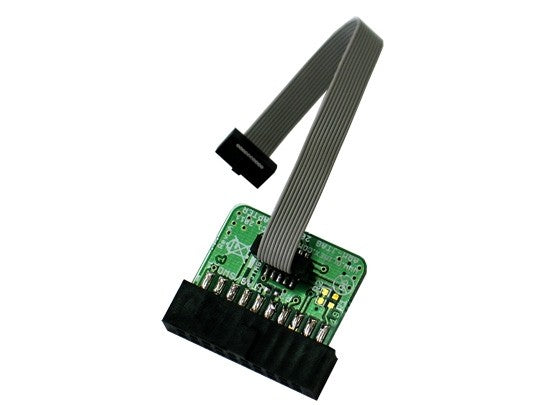
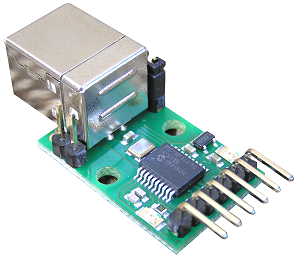
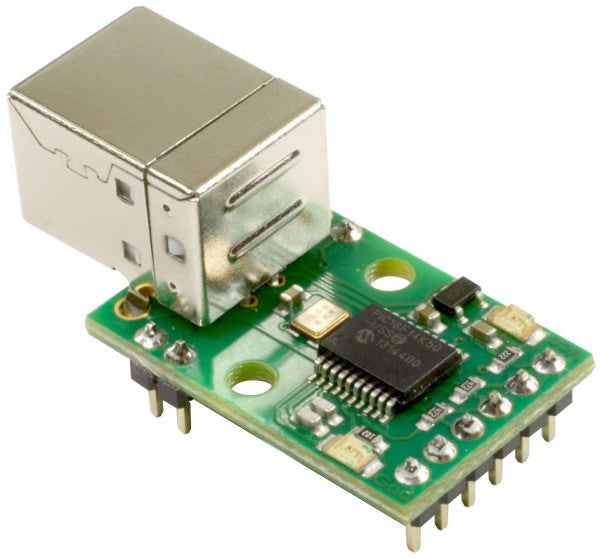
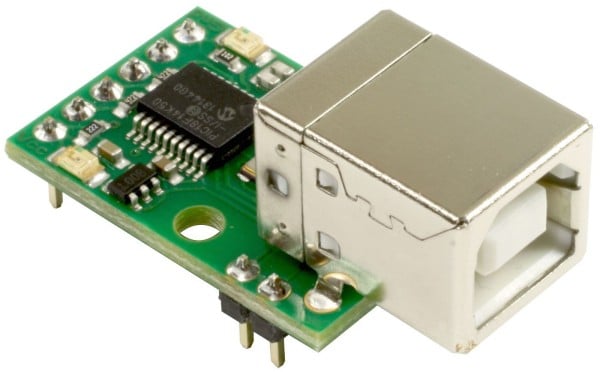
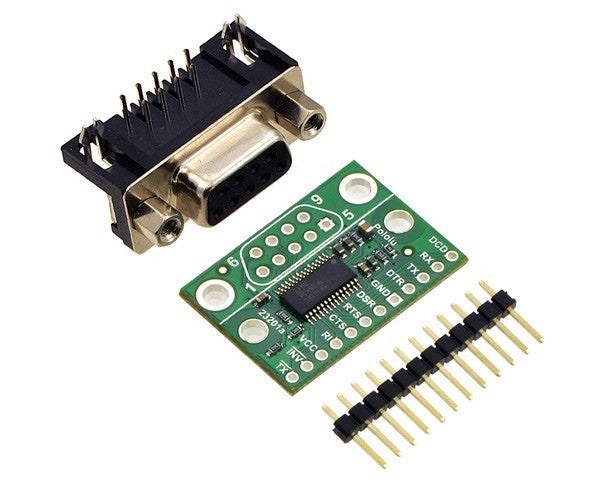
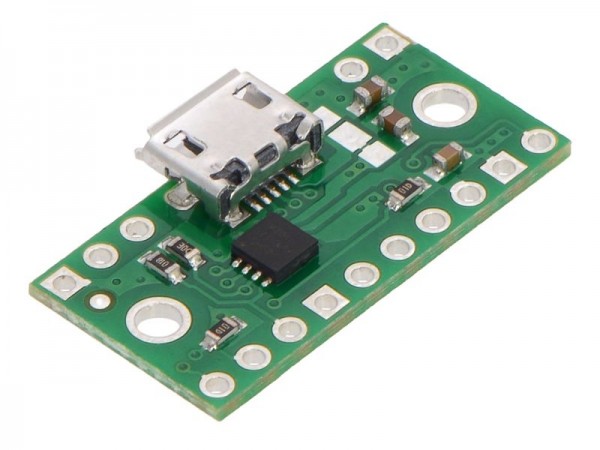
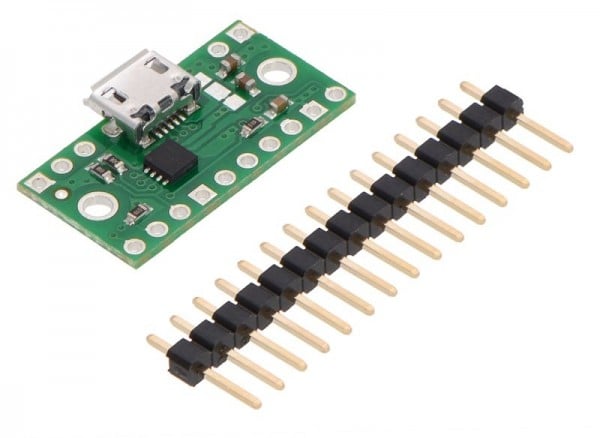
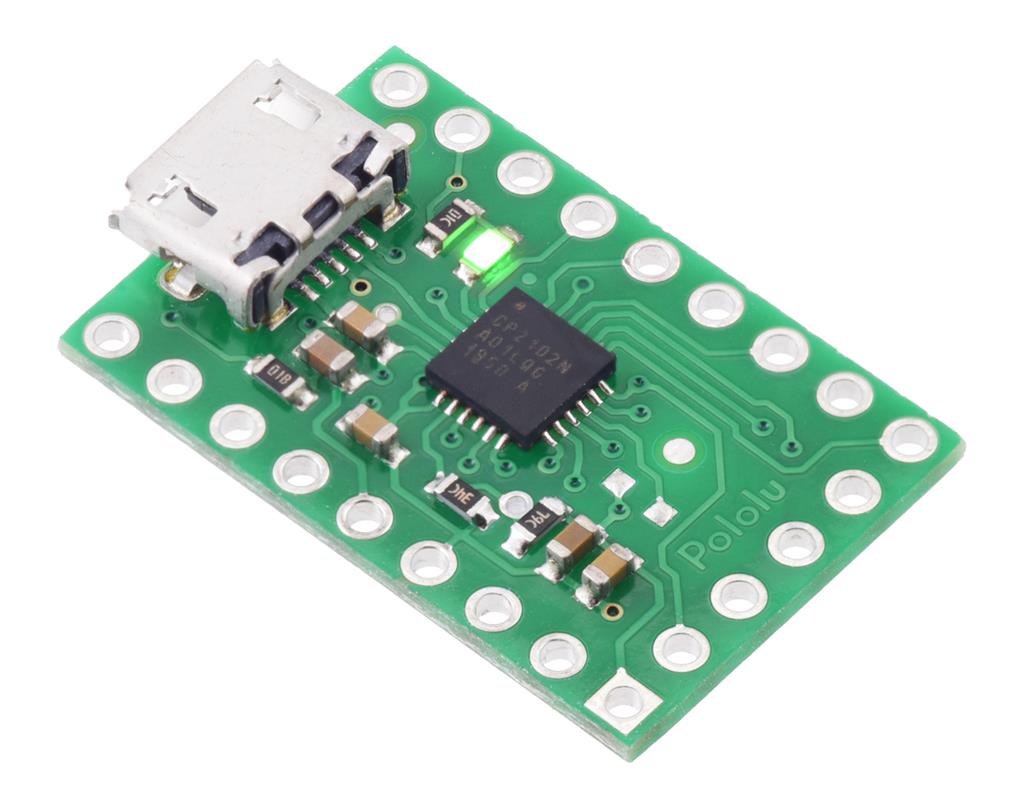
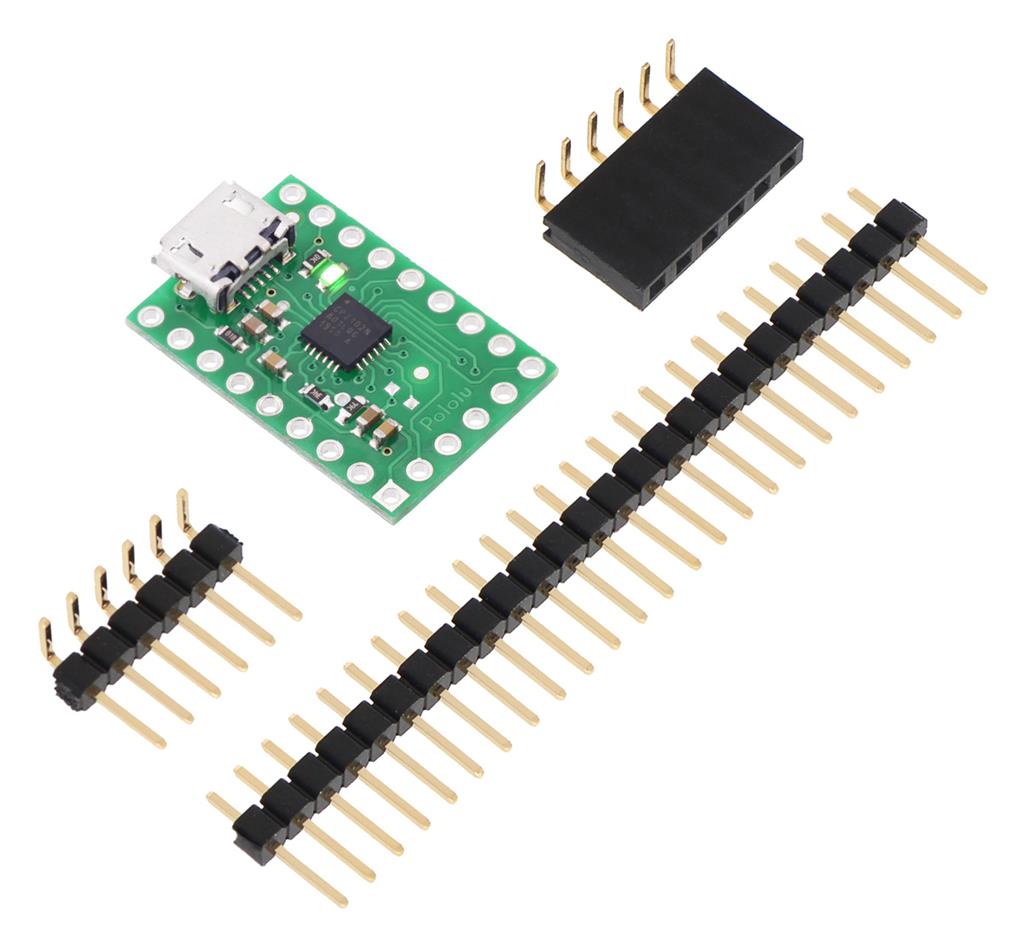
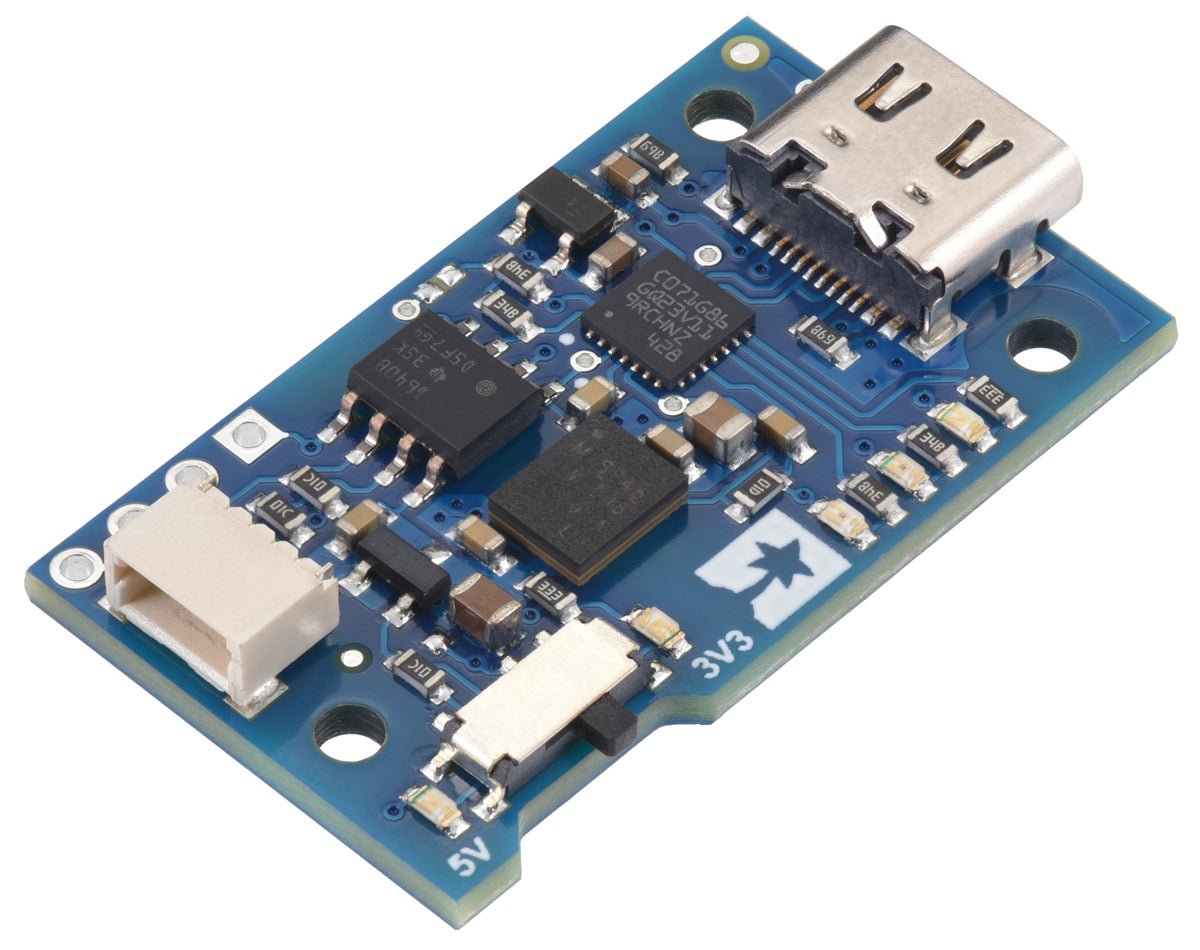
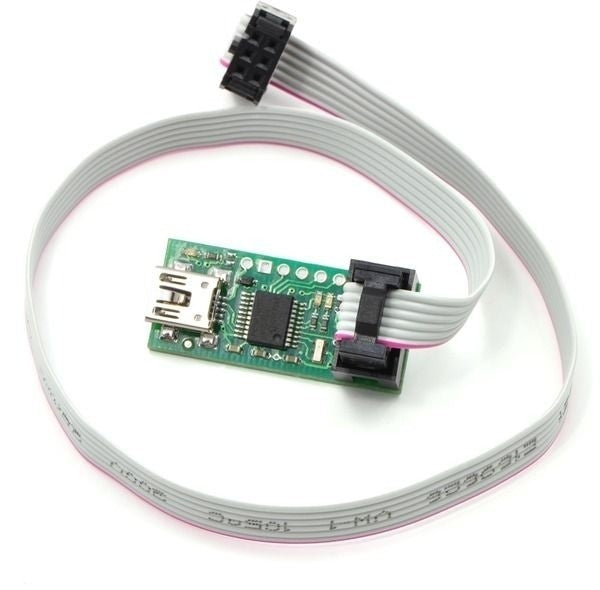
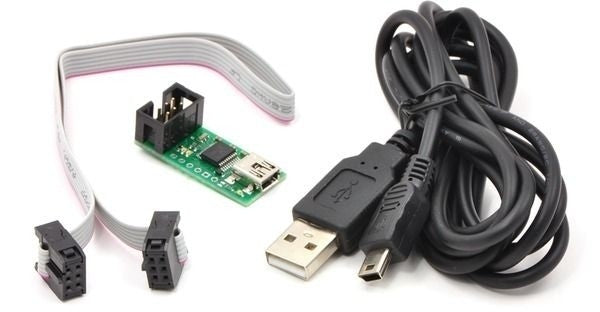
The term USB to UART encompasses all converters that enable seamless data transfer between these different technologies. These modules come as adapters or as cables with built-in converters. Our shop also offers boards with an integrated single-chip bridge that converts USB to UART. These components are used in a wide range of applications—from connecting peripherals and developing circuit boards for industrial control systems to many more use cases. Wherever USB meets UART, a USB UART bridge proves invaluable.
Which USB UART converter do I need?
This depends on various factors. First, check the type of UART and USB connection you are working with. For USB, consider the version, such as USB 2.0 or 4, and the connector type, like USB-C. Also, look at the specific UART configuration—check whether it’s a standard RS-232 serial interface. Additionally, the USB UART converter drivers must be compatible with your operating system. Other helpful questions: Do LEDs indicate operating status? Does the USB UART bridge board include additional pins? We offer the right USB UART converter for every requirements profile! Important: Be sure to match the correct voltage level. The converter must support the voltage levels used in your UART application, such as 3.3 V or 5 V. This is the only way to ensure stable data transmission and avoid damage to connected devices.
What should I know about programming with USB UART?
When programming the interface, it’s essential that you can install the appropriate driver for your USB UART converter. In most cases, the USB UART bridge serves an additional function: this interface converter allows you to program the connected component, such as an electrical circuit. In this context, it’s important to know what kind of programming you intend to perform.